The History view window of a project or a file is available by the command "Show file history" from the IDE. Besides history viewing, the window provides many additional functionalities for working with a separate file. History window can show list commits only immediate parents of current commit.
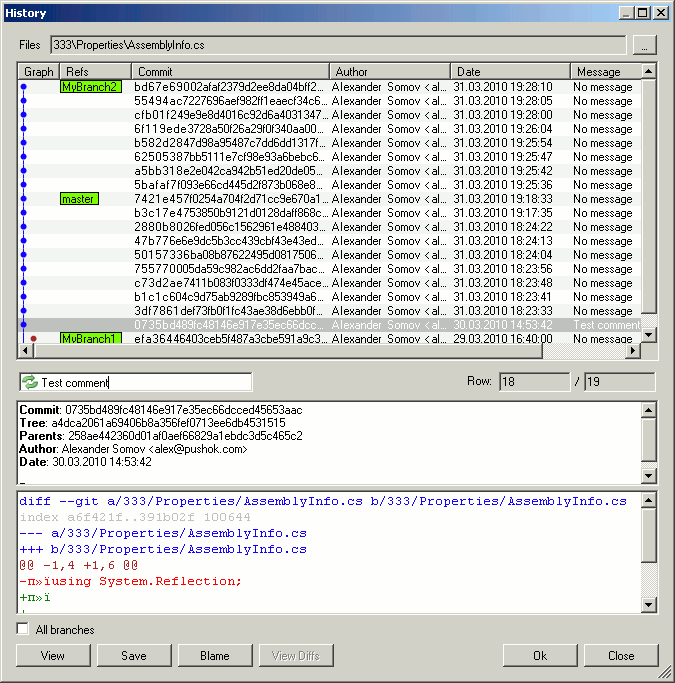
- View
Opens view window for the selected commit.
- Save
Allows replacement of the local version of a file with the content of the selected commit. This command can be used for returning to one of the previous versions. Also you can save a selected file in a new places.
- Blame
Opens view window for the selected revision, where each line contains the date and the author of modification.
- View Diffs
Calls the files comparison program for selected commits.
For the enable of this button it is necessary to select two or three commits at the same time.
 Software

 Fast Links
  news and events


