It is important to understand how branching and merging works in GIT before you start using it. It is highly recommended that you read the chapter 'Branching and Merging' in the GIT documentation which gives a full description, and many examples of how it is used.
Merging is used for getting modifications performed in another branch for your current branch.
Please open the advanced options window.Then choose the 'Merge branch' action.
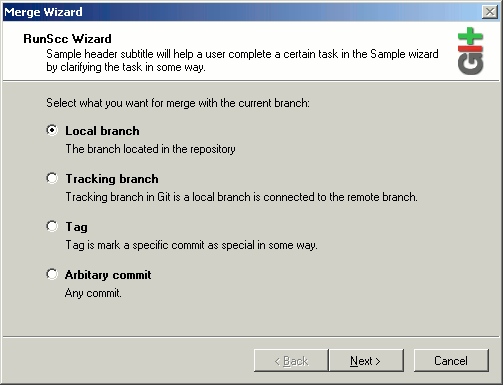
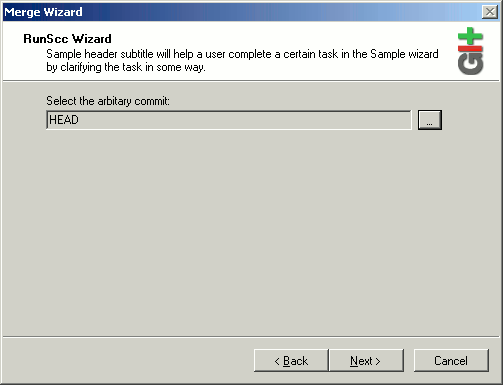
One of the main features GIT is very flexible and convenient work with branches. For convenience of use of merge, on the first dialogue of a wizard it is offered to choose type of a source of the data.
The current branch can be merged with :
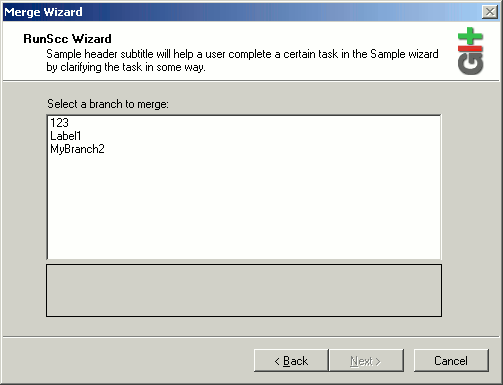
'Local branch' - is a branch which is directly in your repository.
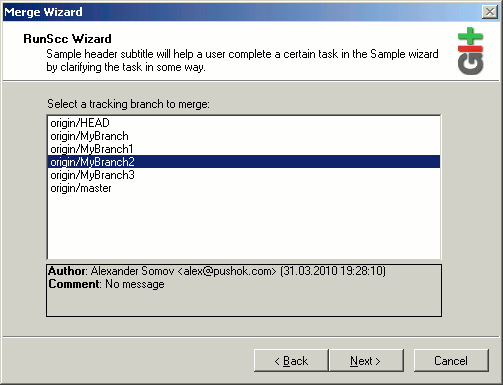
'Tracking branch' - is a local branch at which there is a link with a remote repository and merging with it you automatically receive those changes which are in a remote repository.
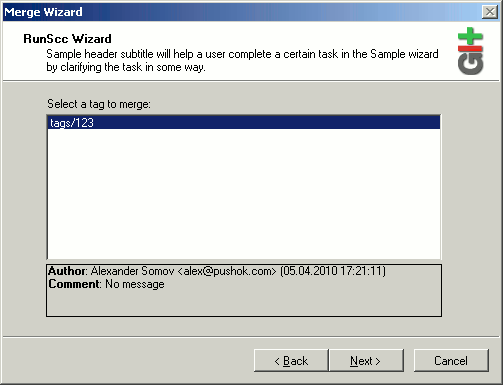
'Tag' - is any local tag.
'Arbitary commit' is any commit of your repository, you can use revision constructor ( who will open by button pressing "..." ).
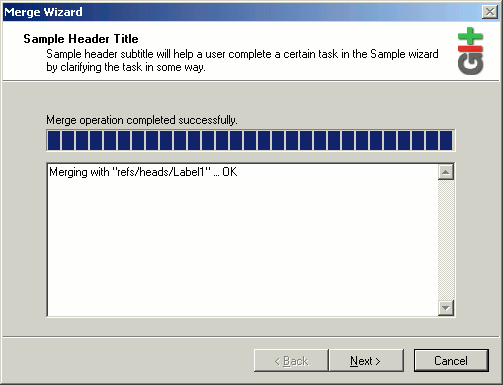
After performance merges you can see success window.
 Software

 Fast Links
  news and events


