For getting the data on top of the open project please open the GIT manager. Then choose the action 'Switch to branch'.
The Switch wizard allows to be switched on "Local branch", "Tracking branch", "Tag" or "Revition". For this purpose it is enough to choose radio button and to press "Next".
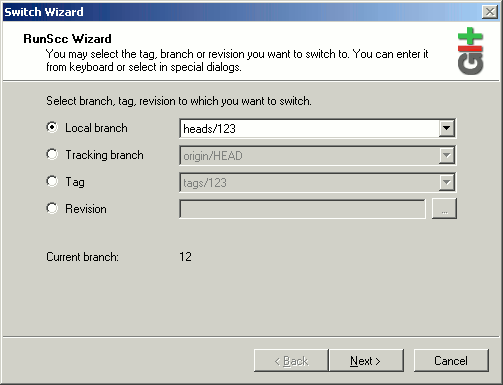
"Local branch"
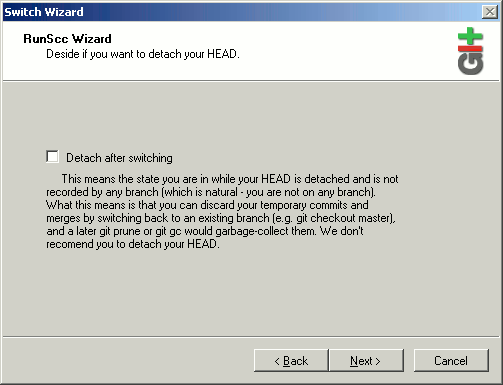
At switching on "Local branch" you have a possibility to be switched in "Detach" a condition. In this case you receives a code from chosen by you branch, but all changes brought by you in this code, cannot be added in a branch.
"Tracking branch", "Tag" or "Revision"
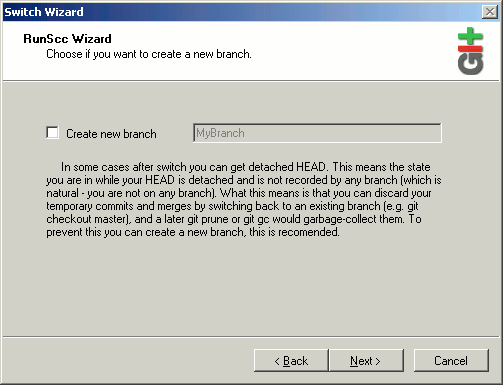
At switching on "Tracking branch", "Tag" or "Revision" you automatically have a "Detach" status, that your changes would not be lost, we recommend to create local branch. For this purpose select a check box "Create new branch".
It is very convenient to search for a commit by means of the revision constructor, it opens by button "..."
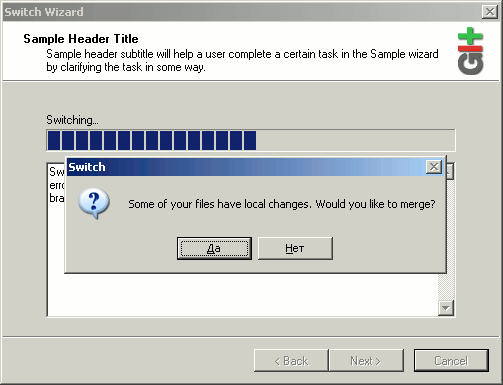
If you have a changed files on a disk at switching in new place GIT will try to make as well merge received given and changed.
In certain cases to make automatic merge not possibly and there is so-called "conflict". For the resolution of conflict your intervention is required.
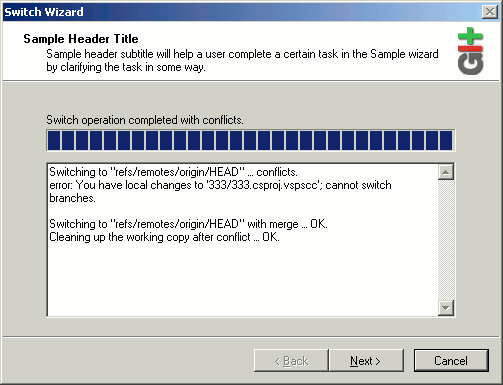
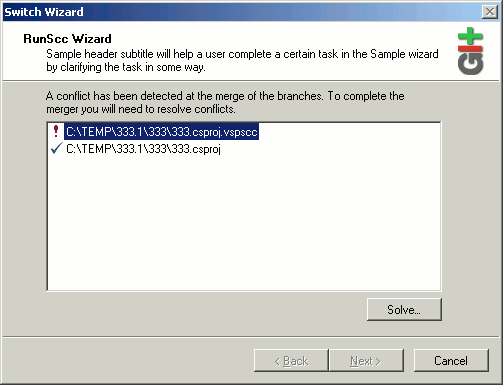
For the resolution of conflict, simply choose conflict file and press the button "Solve...".
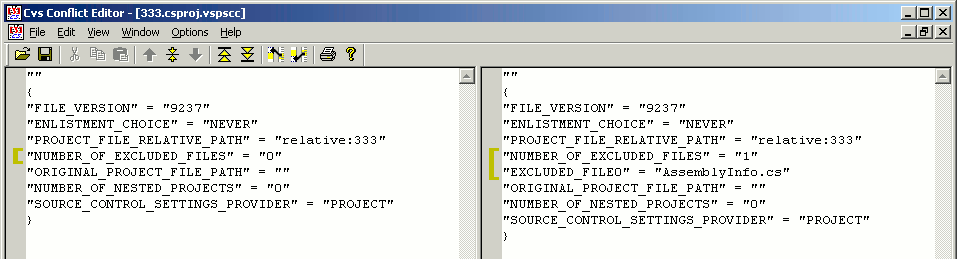
Further will be opened the editor of conflicts . On this image is shown the editor used by default, you can tune a launching of any editor convenient for you.
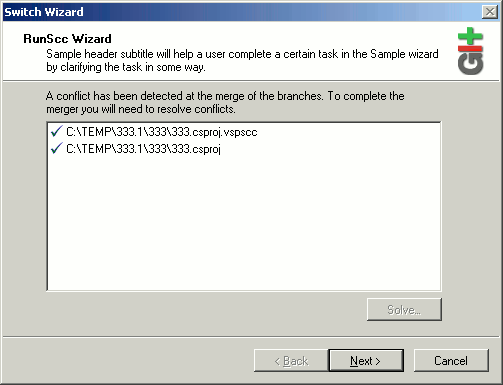
After the resolve of all conflicts, will be enabled button "Next" and you can finish the switch wizard.
 Software

 Fast Links
  news and events


